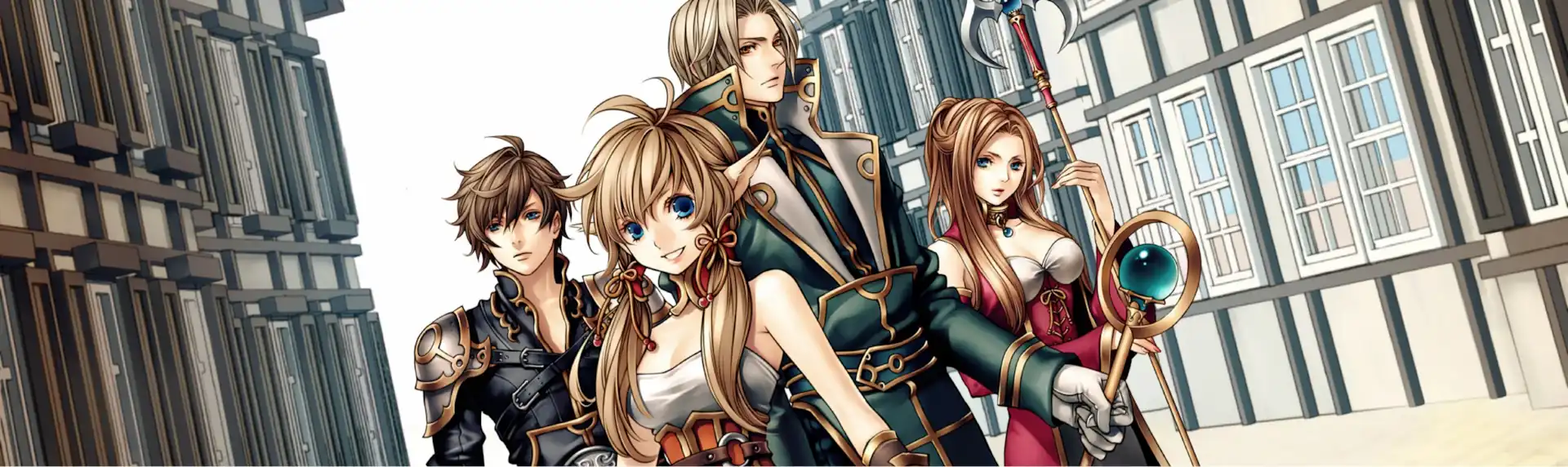


Simple enough for a child. Powerful enough for a developer
RPG Maker VX allows you to make the roleplaying games you’ve always dreamed of by being one of the easiest game engine software ever developed. With its enhanced autotile capabilities, quick event creation, and dungeon generator, you can have a game ready to play faster than ever before.
Text Link
With RPG Maker VX, you can create your own unique RPG, without the need to be a programmer, artist, or musician. Take advantage of the following features to make the game you’ve always wanted to:
- An easy to use mapping system, giving you the tools to build the look of your world.
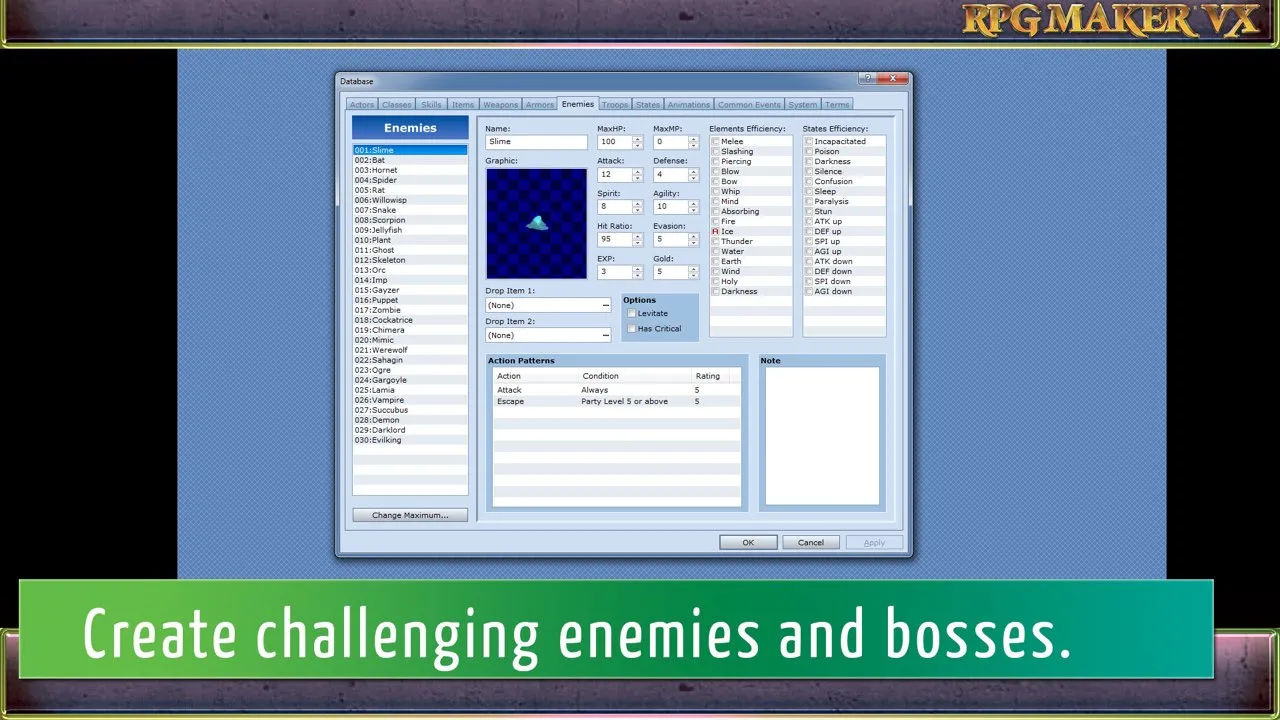
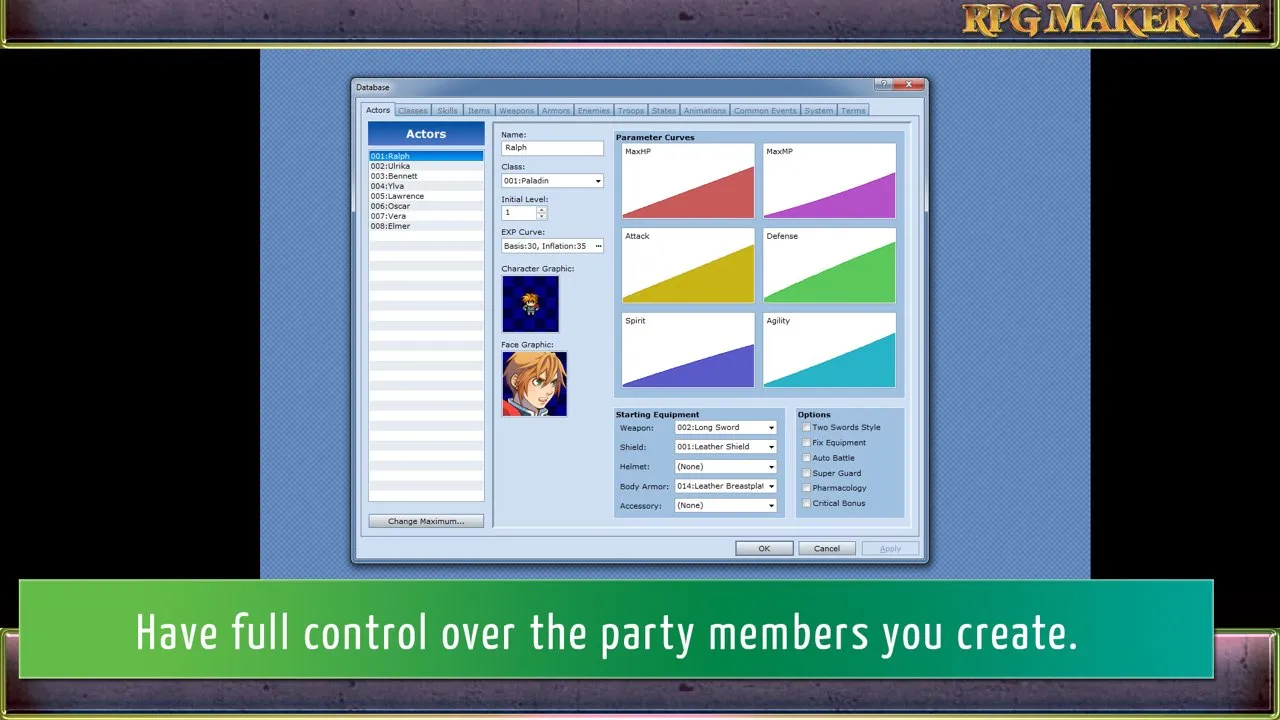
- A GUI driven database, where you can create your heroes, villains, items, magic, and more.
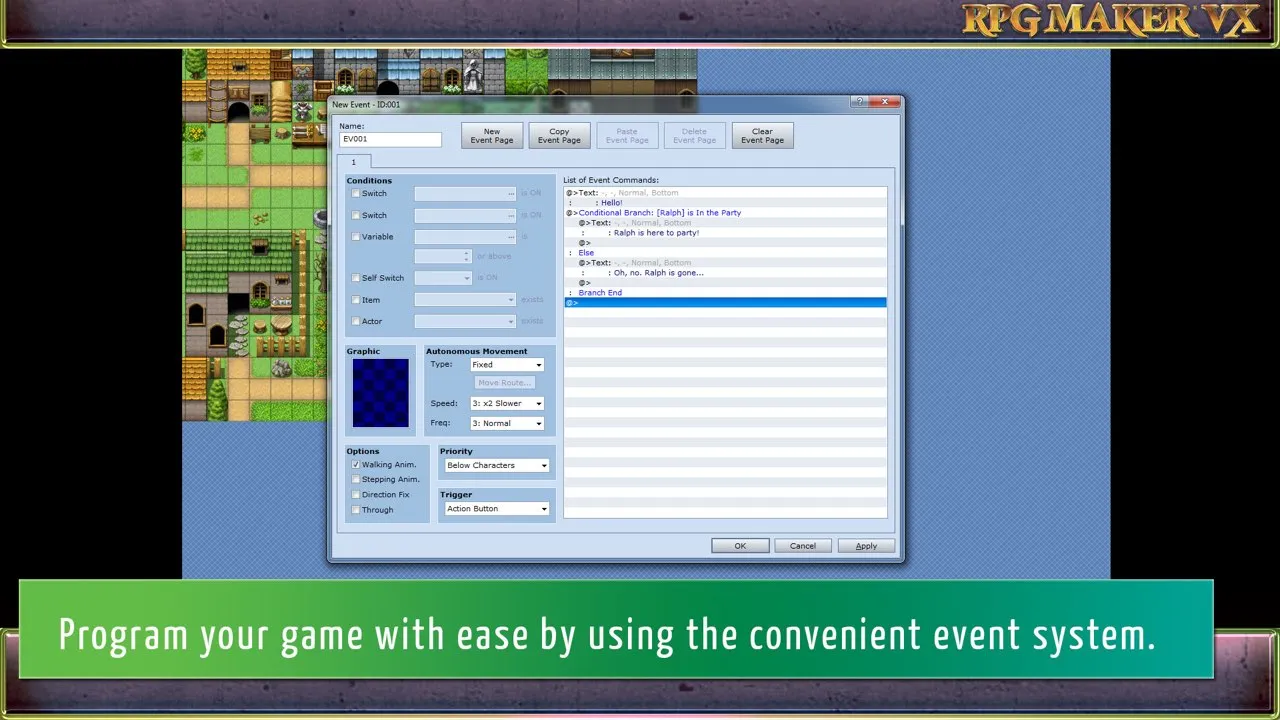
- A powerful eventing system, allowing you to dictate the flow of your game using a simple point and click interface.
- A great default collection of graphics, sounds, and music, giving you all the materials you need to make your game.
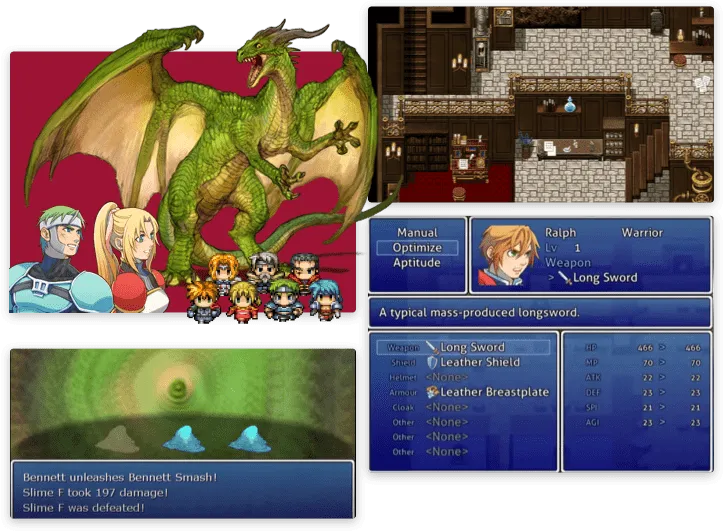
RPG Maker VX carries over all the easy to use features from RPG Maker XP, while adding a few more if its own. You can save time by making frequently occurring events (like chests, doors, etc.) with a single command. You can create maps faster than ever due to the simple layer system and revamped autotile tool.
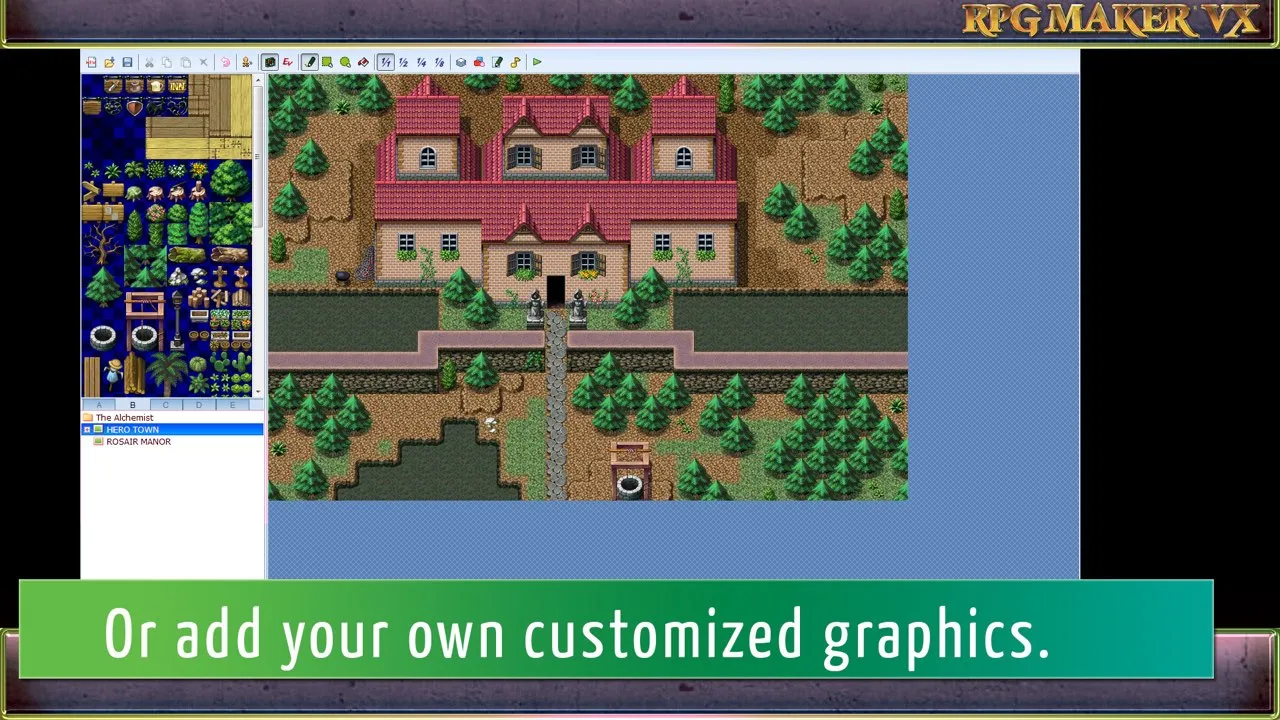
Don’t know how to create graphics? Can’t compose music? No problem. RPG Maker VX includes a large collection of pre-made, ready to use resources for you to create your own game with. You can also import new resources from the RPGMakerWeb blog, online communities, or even import resources you made yourself.
Finished your game and ready to send it to your friends? With just a few clicks you can have a ready to go install file that includes everything they will need to play the game, without the need to have RPG Maker VX installed themselves.
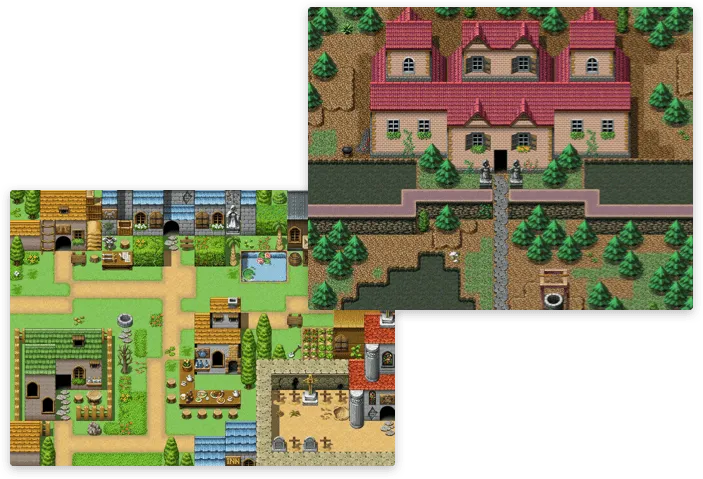
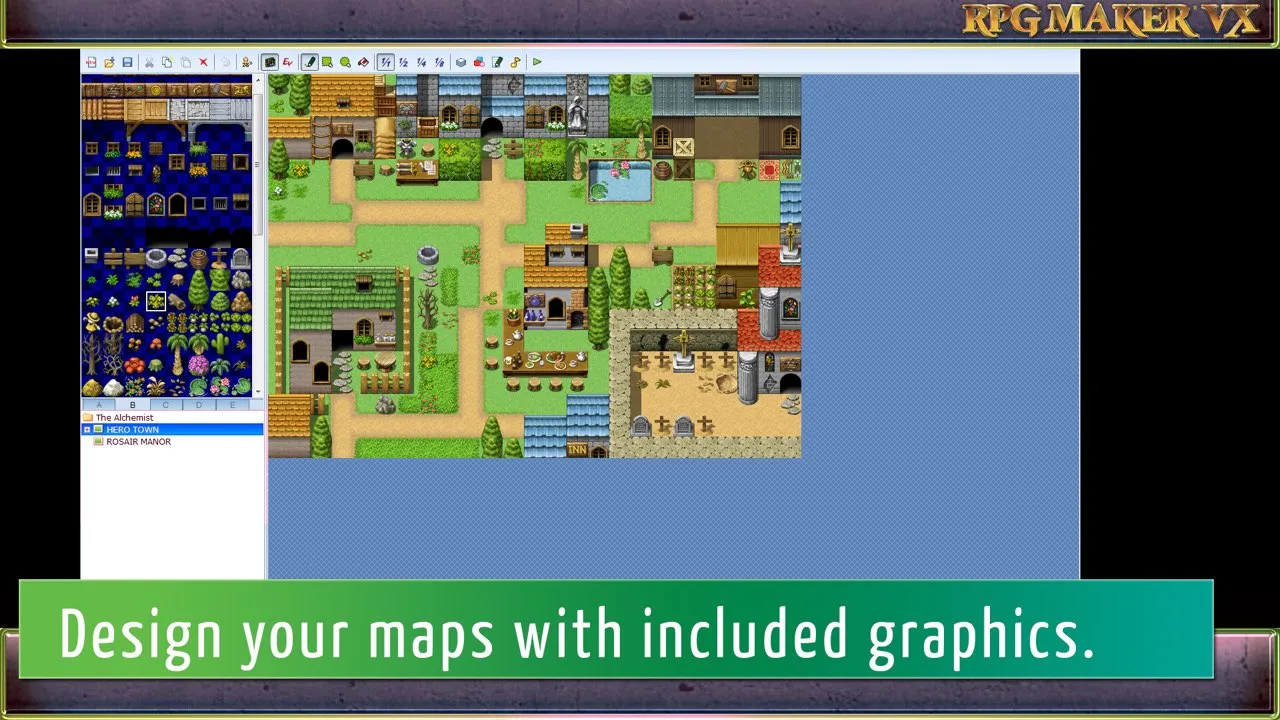
The map editor helps you easily design your game’s world. A large selection of tiles makes creating a map as easy as clicking on the tile you want and drawing it on your map.
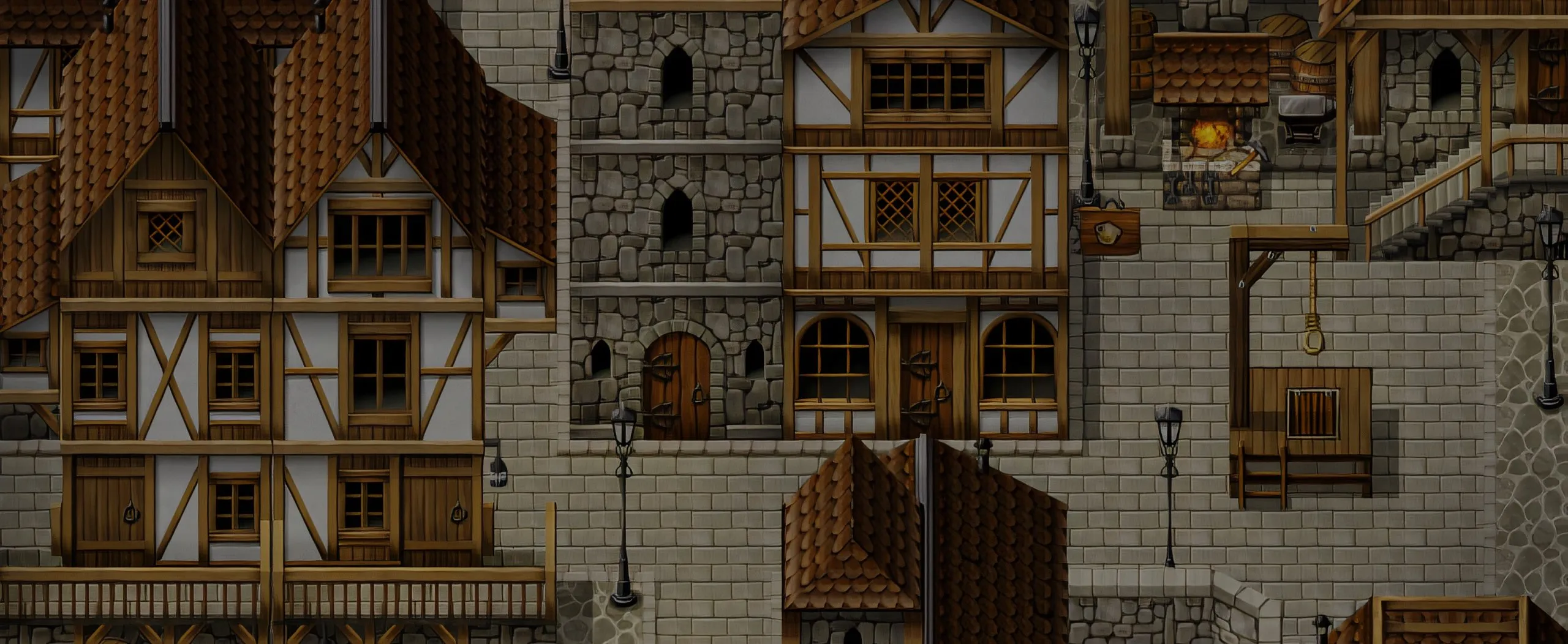

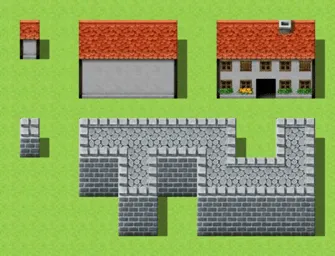
Autotiles let you select one autotile from the palette and it draws the edges for you as you draw them onto the map. Autotiles in VX are used for coasts, tall grass, trees, walls, roofs, ceilings, and more! Just draw the shape of your section, and let RPG Maker VX do the normally time consuming work of creating the edges.
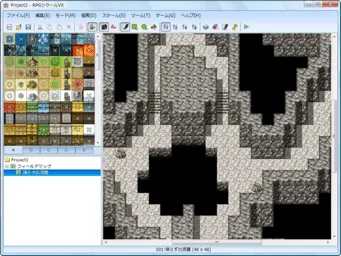
RPG Maker VX Tileset Organization
Tilesets are divided into five categories to make finding what you need fast. The A category forms the base layer of the maps, while B-E are organized to cover different types of upper layer tiles. Passage settings for the tiles can be edited right on the tile palette, making changing them quick and easy.
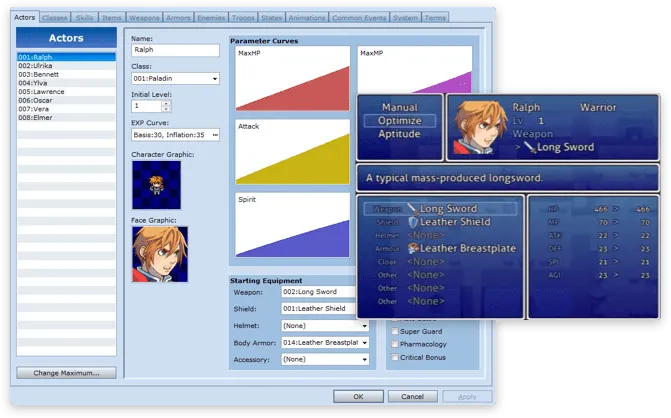
In the database, you will create characters, skills, magic, monsters, and more. Also included is a default database in every tab to give you a great idea of how to build iconic game mechanics. With our powerful GUI driven database, you will be designing your own game with ease.
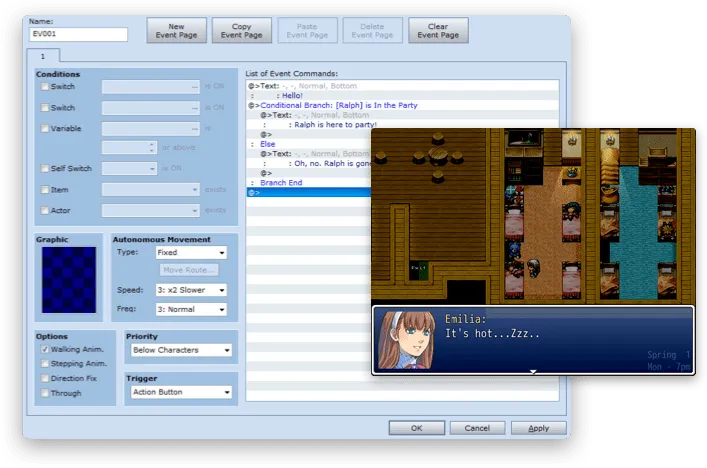
The event editor drives everything your character can interactive with, from NPCs to doors, from a switch on the wall to a bookshelf. By selecting from a list of commands, you can build complex game scenes without any knowledge of programming.
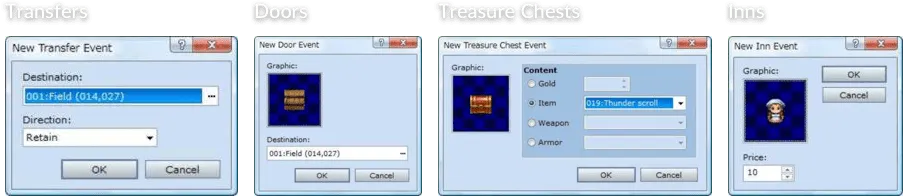
New to RPG Maker VX, the quick event creation system lets you make commonly made events with a single click of the mouse.
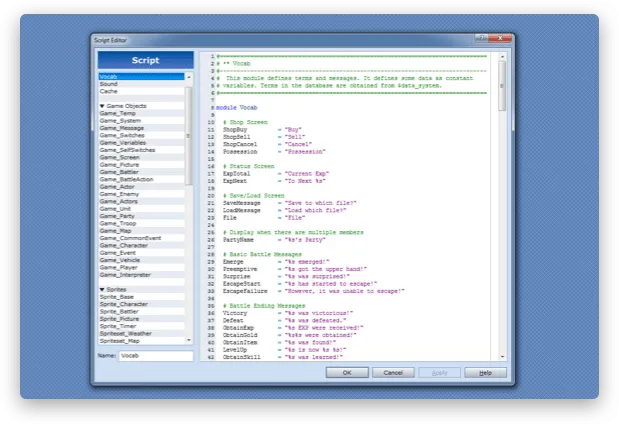
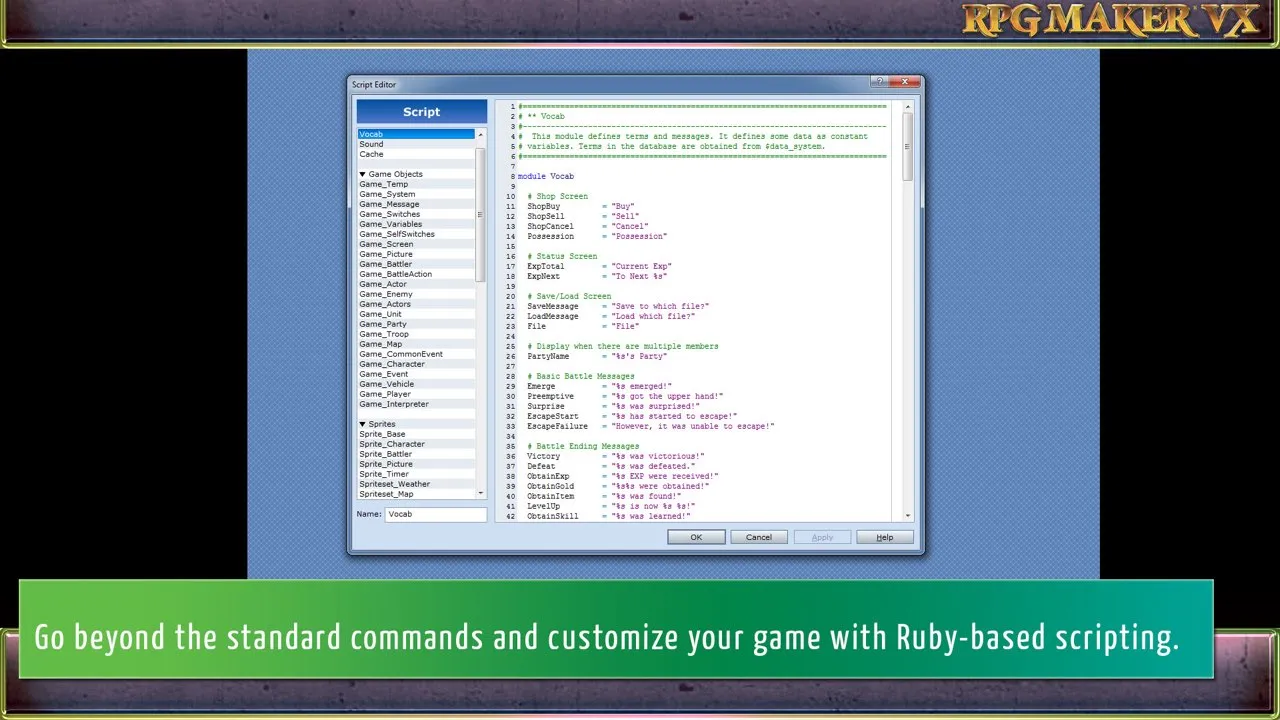
While the eventing system is powerful, there may be times you need more. For those times you can take advantage of the Ruby Gaming Scripting System 2 which all RPG Maker VX games are built on. Nearly every portion of the game can be directly edited or added to with only a small amount of programming knowledge. Don’t have any programming knowledge? RGSS2 Scripts are fully modular, just find a fan-made script from the RPG Maker communities and paste it in to extend the possibilities of your game!